Firecast CMS - Bespoke Content Management System
Image Gallery
Click on Image to load lightbox gallery.
Firecast CMS - Admin Area
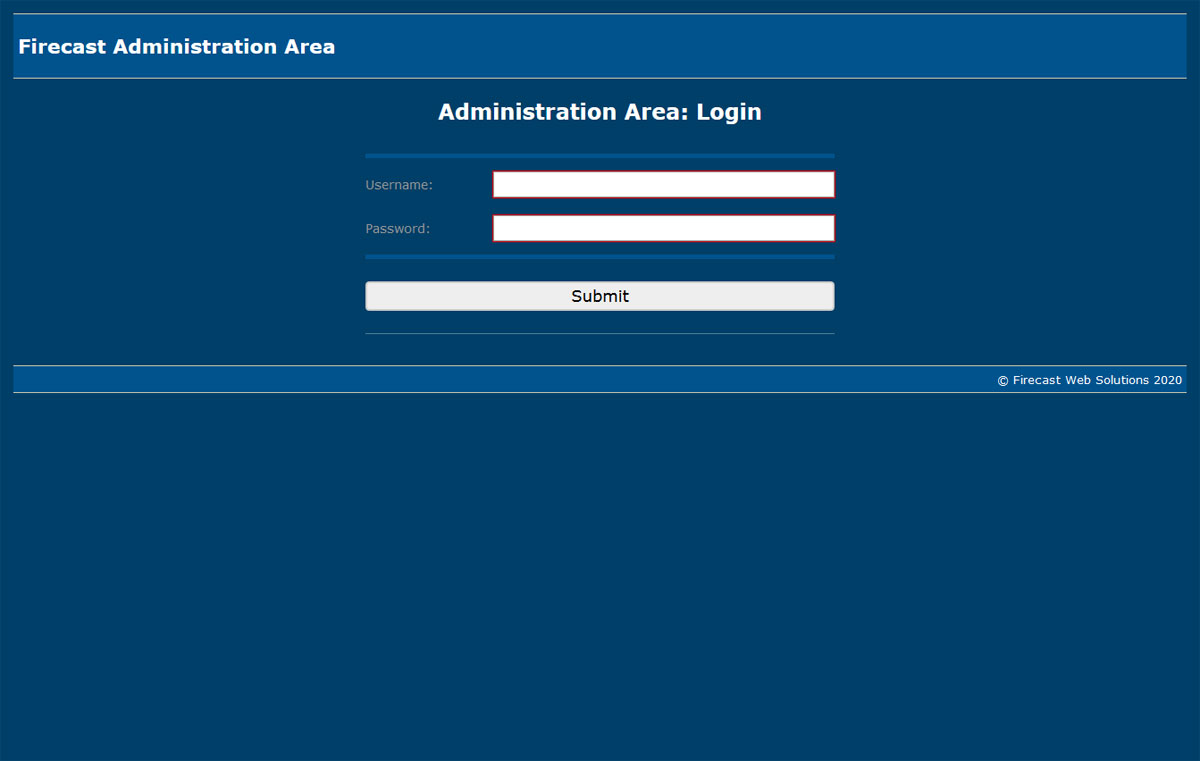
Firecast Web Solutions bespoke Content Management System is an area that allows the administrator to login and control various aspects of the website. e.g. Maintaining Webpages on the front end of the site, Maintaining front end Menus, Controlling Site Users, Performing Exports and any other bespoke functionality relating to this website.
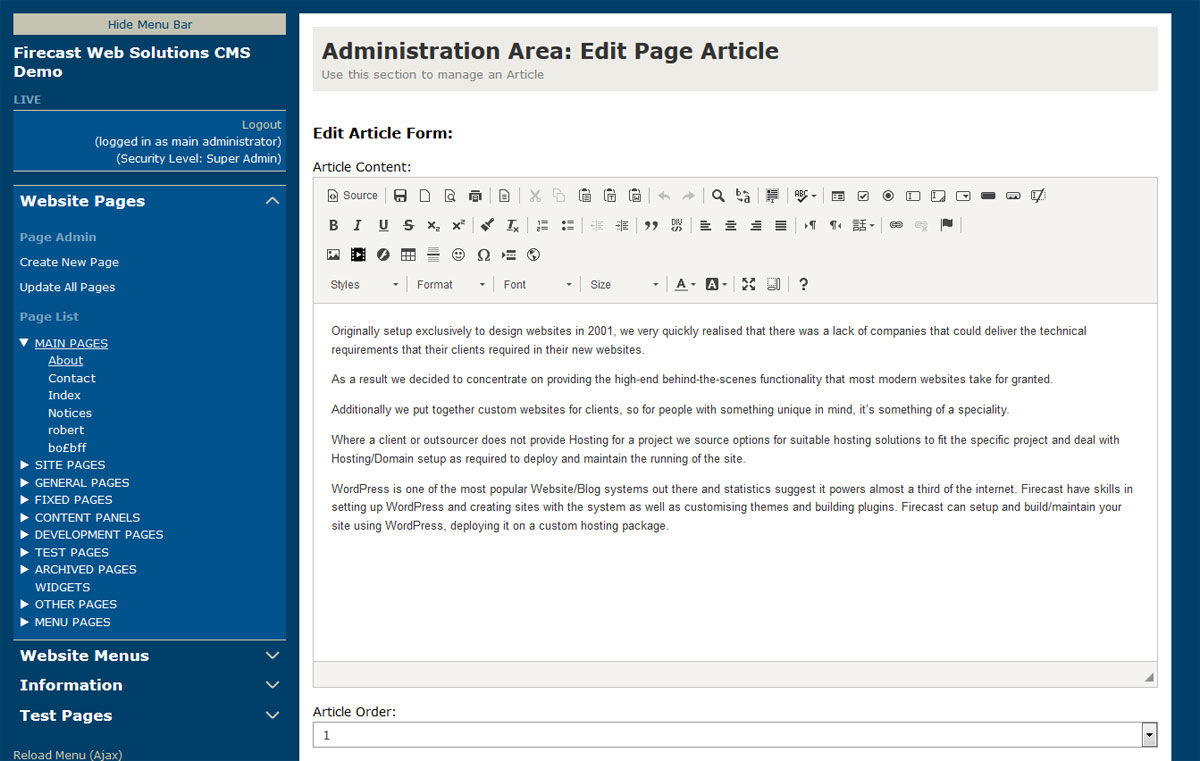
The CMS is a custom built bespoke system using HTML5/CSS/jQuery/AJAX technologies. It is created with bespoke coding with custom classes and also utilises various jQuery plugins, a HTML editor and file uploader.
The CMS has an information area to explain how the various parts of the system work and some areas have tooltips to provide explanations of the functionality for specific sections of the system.
Firecast CMS - Front-end site
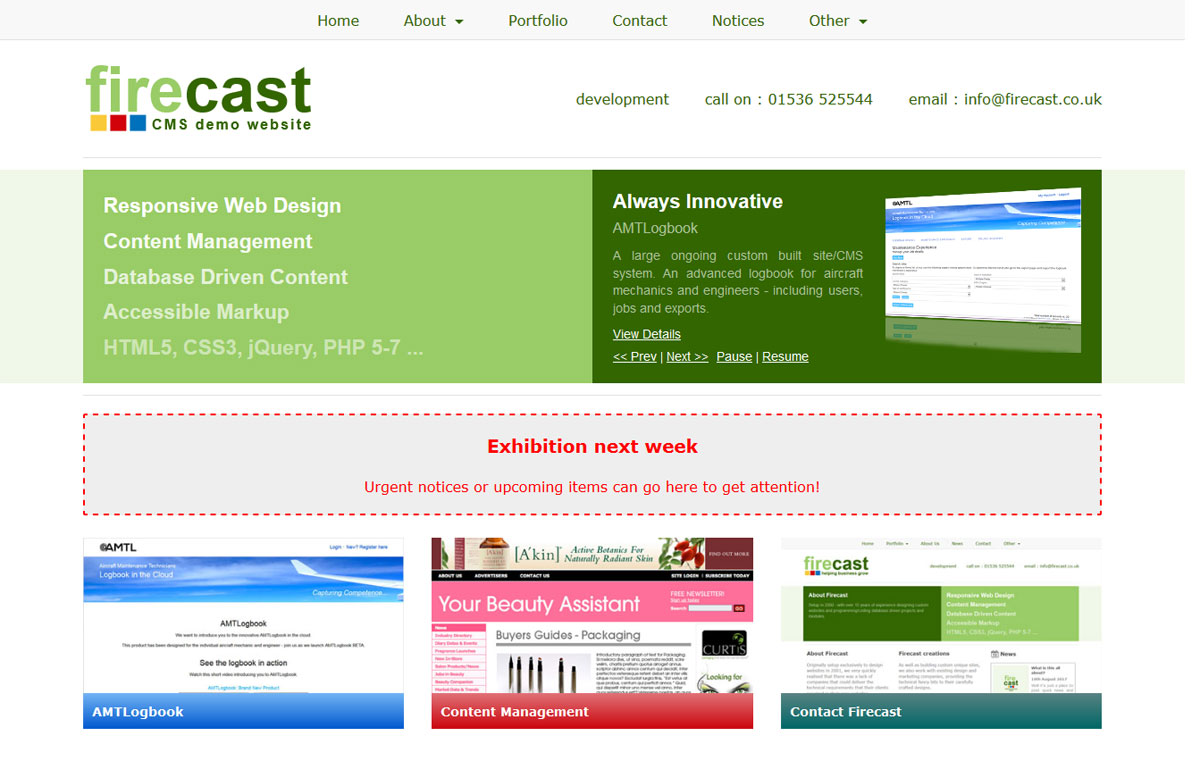
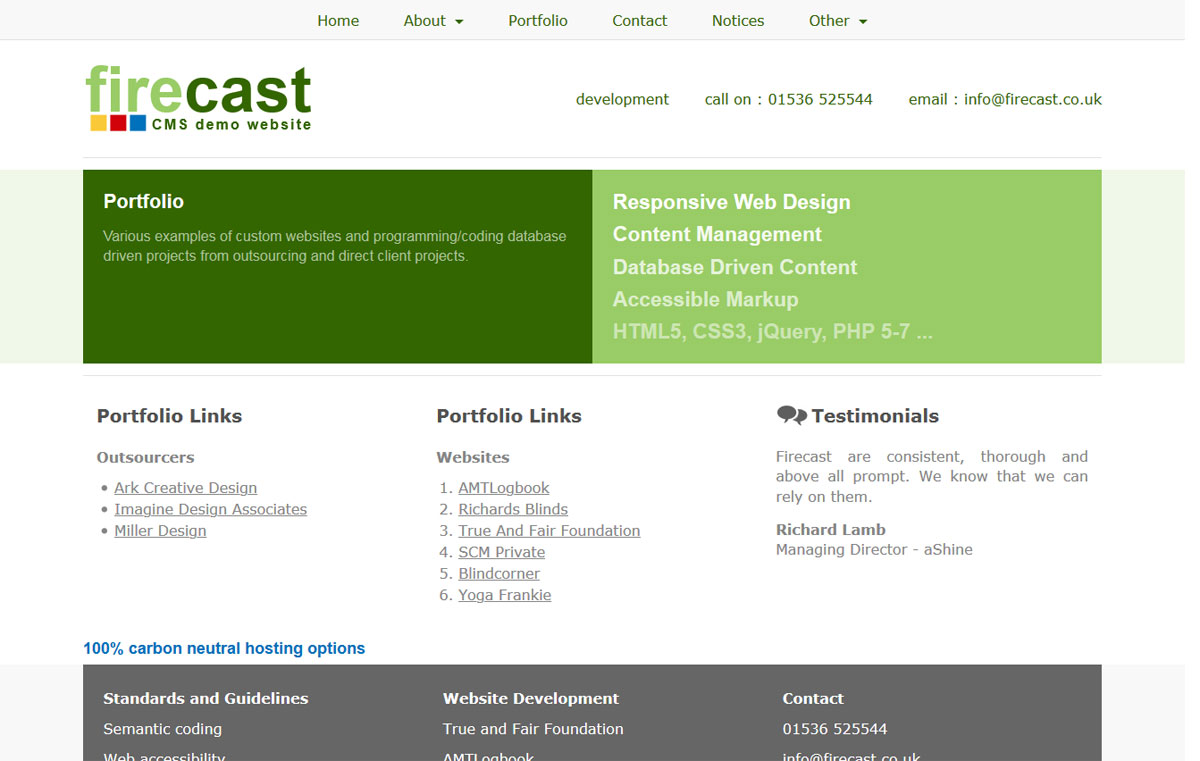
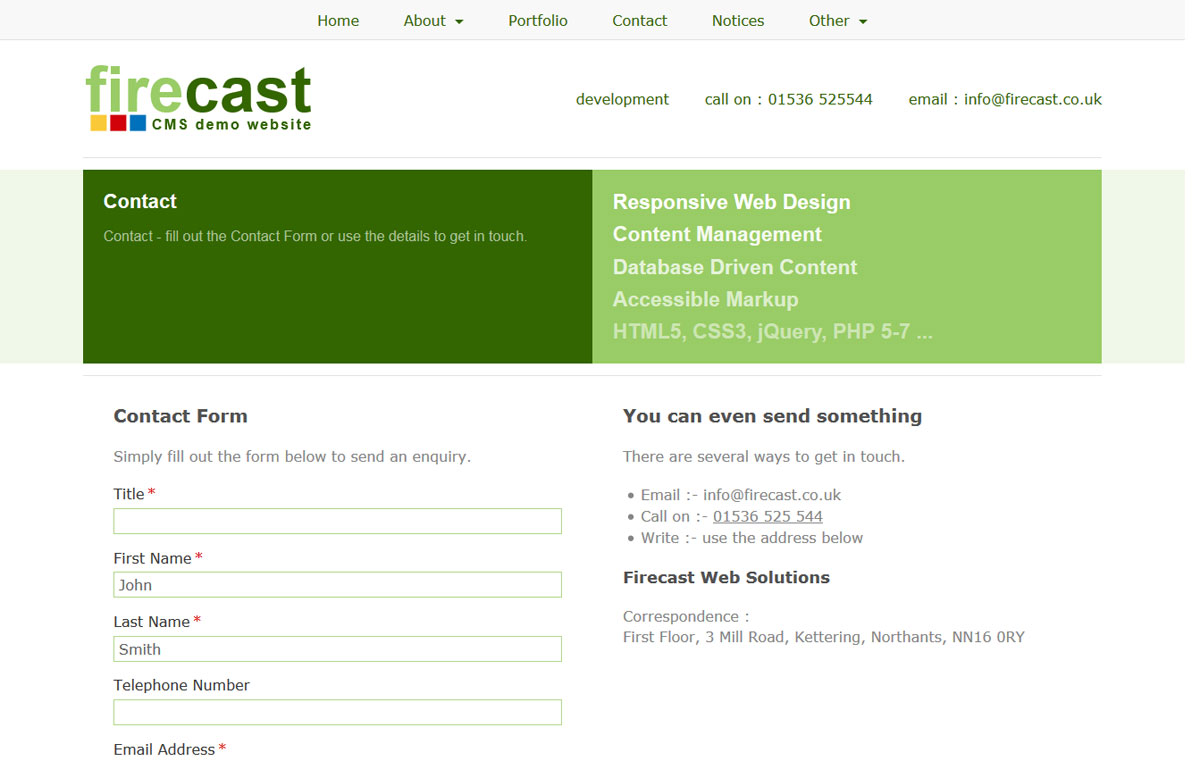
The front end is a regular responsive website which functions as normal. Various sections of it are maintained and controlled by the bespoke CMS system.
CMS - Website Pages Area
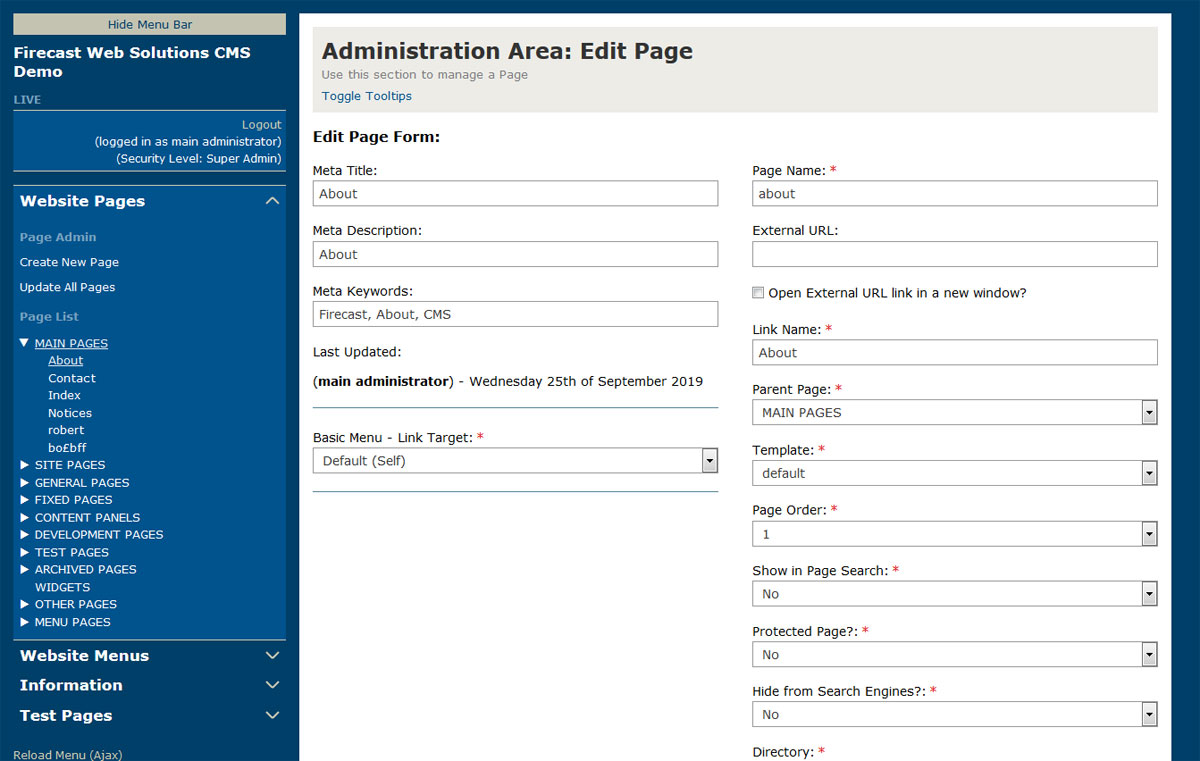
The Website Pages area of the CMS system is a custom built section to allow pages to be added and edited on the system. Templates are used to set the layout for a Page. Articles can be added to specific areas on the page in order to build and maintain the page content.
CMS - Custom Menus Area
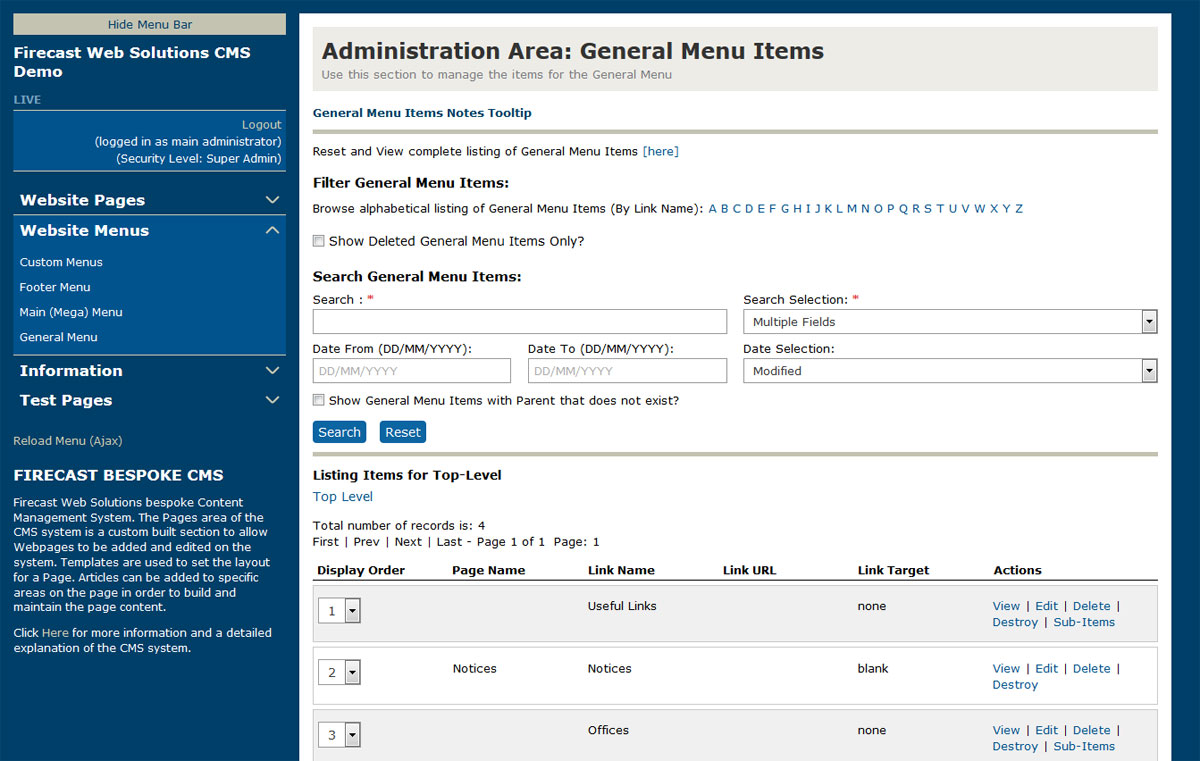
The Custom Menus area of the CMS system is a bespoke section to allow site menus to be edited on the system. There are several menus setup that can be maintained in this area. Menu items can be added/edited/ordered on a list page and the front end menu will be generated from this.
CMS - Demo Site
There is a Demo site setup that is maintained by the Firecast CMS system. The Demo is housed here:
Firecast Web Solutions CMS Demo - Admin Area
Firecast Web Solutions CMS Demo - Front-end
To try the demo you can request access and a temporary user account can be setup to give you access which will expire after a short period.